
I’ve curated a list of 9 best IT alerting software and 3 open-source alternatives for you.
Every tool on this list handles the core alerting functions you need: incident detection, fast alert delivery, clear escalation paths, and reliable incident logging.
Since all these tools tick those boxes, I focused on what makes each tool special. You’ll find their unique features under “Standout Alerting Features of [tool]” for each option.
Before jumping onto the list, I’ve covered a few alerting basics. Take a quick look or feel free to skip them.
Let’s get started!
New to Alerting? Start Here
What is alerting?
Alerting is the process of notifying your team when something goes wrong in your systems or services. For example, if a server crashes at 2 AM, your alerting tool can trigger an alert that pings the on-call responder by phone call or Slack. The goal is to catch problems so you can fix them before they affect users or the business.
Why do you need alerting software?
You can’t manually watch every part of your system around the clock. An alerting software automates this for you. It pulls signals from your monitoring tools and sends alerts to the right people, right away. This helps you catch issues before they turn into major outages.
What are the key benefits of alerting software?
- Helps you respond to incidents faster, reducing downtime
- Makes sure the right on-call engineer gets the alert, every time
- Escalations kick in if someone doesn’t answer, so alerts never drop
- Brings all the alerts from different monitoring tools into one place
What core functionalities should every alerting software have?
- Incident detection: Connects with your monitoring tools to automatically detect issues when they happen
- Alert delivery: Sends alerts to the right person through channels like SMS, phone calls, or Slack with enough context to act fast
- Clear escalations: If the first person doesn’t respond, routes the alert up the line until someone does
- Incident logging: Keeps a complete record of what triggered, who responded, and what was done
9 Best IT Alerting Software
*For pricing, I chose business/standard/Pro plans because they typically include the full range of alerting features that most teams need.
| Alerting tool | Best for | Price* |
| Spike | Teams of any size wanting an affordable yet powerful tool | $14/user/month |
| PagerDuty | Large teams needing deep integrations | $25/user/month |
| Incident.io | Teams who live and work in Slack | $25 + $20/user/month |
| Splunk OnCall | Teams already using the Splunk platform | $15/user/month |
| Squadcast | SolarWinds users needing noise reduction | $19/user/month |
| Zenduty | Teams needing alert filtering & ITSM integration | $16/user/month |
| xMatters | Large enterprises with complex workflows | $39/user/month |
| Datadog OnCall | Teams invested in the Datadog ecosystem | $36/user/month |
| AlertOps | Teams needing SLA-based alerting | $22/user/month |
1. Spike
Spike is an incident management platform that makes alerting simple and reliable for teams. It connects with 80+ tools and delivers alerts through phone call, SMS, Slack, Teams, push notifications, WhatsApp, and even Discord.
Standout Alerting Features of Spike
- Setting up alerts is fast with an intuitive interface and ready-to-use alert rule templates.
- Spike’s Title Remapper lets you automatically rewrite incident titles in real-time, so your team gets clear context instead of cryptic error messages from monitoring tools.
- When on-call shifts change, Spike sends alerts to Slack or Teams. Plus, it triggers webhooks with shift details, so you can automate health checks or access management.
- Time-based alert conditions let you trigger different actions for the same incident depending on when it happens. Get a Slack message for an issue at 2 PM and a phone call for the same issue at 2 AM.
- With Spike’s alert modes, you can customize alerts during a deep work session, cooldown period, and when you’re out of the office.
Price: $14/user/month
Best for
Teams of any size who want a simple, affordable yet powerful alerting tool without a steep learning curve.
Hear what Sankalp Sharma, CTO of Sportskeeds, said about Spike

2. PagerDuty
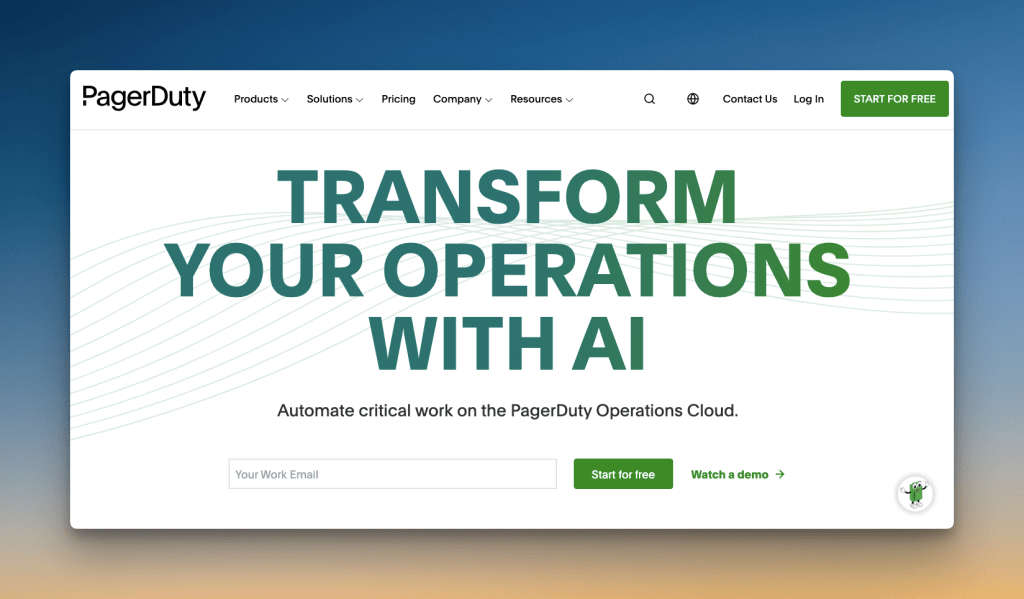
PagerDuty is a long-running incident response platform with alerting capabilities built for enterprise-grade teams.
Standout Alerting Features of PagerDuty
- Works with 700+ tools, so it fits into any DevOps stack without custom integrations or workarounds.
- Uses machine learning to automatically group related alerts into single incidents. This reduces noise, and your team can focus on the root cause of the incident.
- Multi-user alerting lets you notify multiple responders or whole teams at once. It’s quite handy for incidents that need fast, cross-team action.
- Rich email notifications show graphs, logs, and screenshots within the message, so responders get key details without wasting time hunting for context.
Price: $25/user/month
Best for
Large organizations that need deep integrations and advanced AI-based noise-reduction features.
3. Incident.io
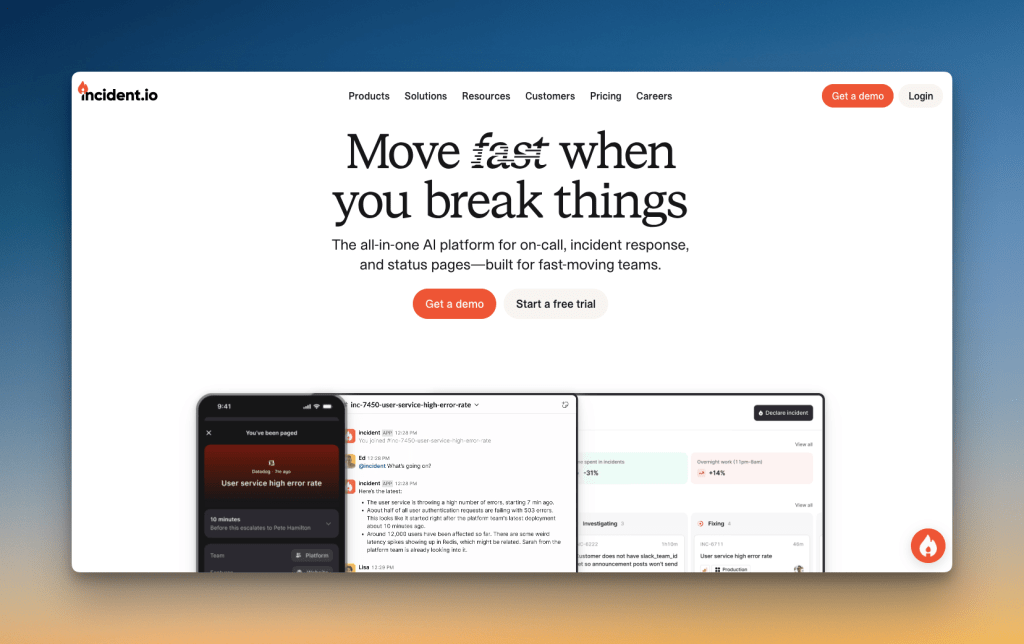
Incident.io is a chat-first incident management platform that handles alerting directly within Slack.
Standout Alerting Features of Incident.io
- You can respond to alerts without switching tools, since the entire workflow happens inside Slack, where your team already works.
- Its Alert Routes let you filter out low-priority noise and automatically create incidents only from critical alerts, cutting down on unnecessary alerts.
- You can route alerts dynamically based on attributes like “team” or “service” from your monitoring tool, so the right expert is always alerted.
- Incident.io’s AI helps you configure alerts by scanning data from your monitoring tools, suggesting how to map alert details to the right fields to speed up setup.
Price: $25/user/month + $20/user/month for on-call
Best for
Teams who live in Slack and want a user-friendly, chat-based tool for their alerting requirements.
4. Splunk OnCall

Splunk OnCall (formerly VictorOps) is an incident management platform that brings Splunk’s analytics capabilities into your alerting workflow.
Standout Alerting Features of Splunk OnCall
- It connects directly with Splunk logs and observability tools, so your alerts come with deep analytical context built in.
- Its Alert Rules Engine gives you control to filter out noise or add helpful context, like runbook links or graphs, directly to your notifications.
- Its Routing Keys let you send specific types of alerts to specific teams, so a database issue alerts a database expert, not the whole on-call team.
- You can set up alerts that require acknowledgment from multiple teams, which helps coordinate a response when an issue affects different parts of your system.
Price: $15/user/month
Best for
Teams already using the Splunk platform who want to add powerful, data-driven alerting to their existing workflow.
5. Squadcast
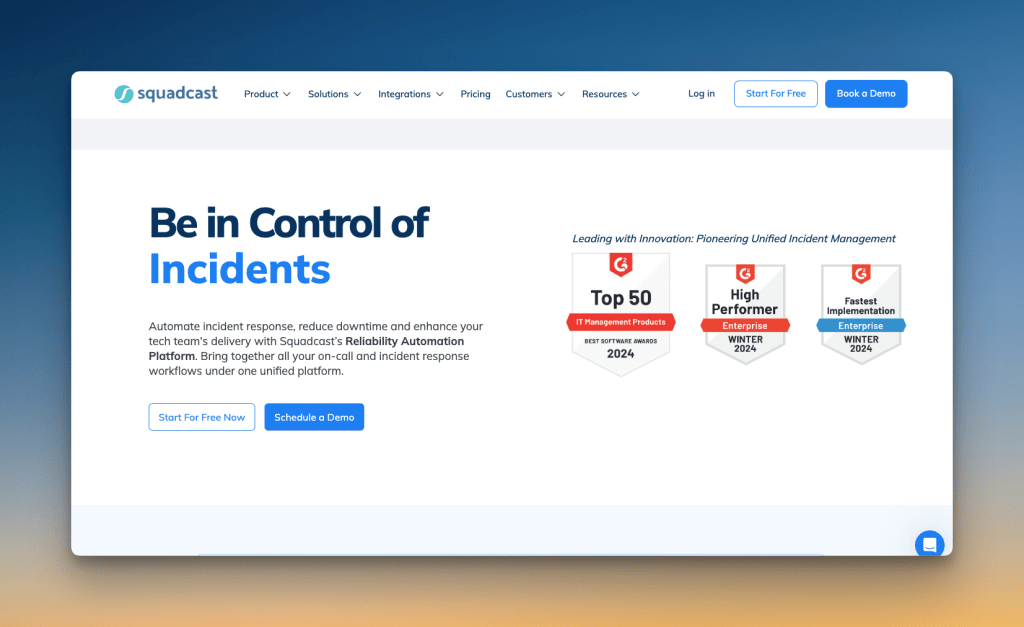
Squadcast is an incident management platform that specializes in intelligent alert routing and noise reduction. Recently acquired by SolarWinds, it integrates seamlessly with the SolarWinds observability ecosystem.
Standout Alerting Features of Squadcast
- You can automatically suppress alerts during planned maintenance, so your team isn’t disturbed by expected issues.
- Its Deduplication feature groups repetitive alerts into one, which helps you see the real issue without getting buried in notifications.
- SLO-based alerting lets you get notified when your error budget is at risk, helping you stay ahead of problems before they impact users.
- Since the SolarWinds acquisition, it offers deep integration with SolarWinds Observability tools, automatically enriching alerts with monitoring context and metrics from your existing SolarWinds setup.
Price: $19/user/month
Best for
Teams already using SolarWinds tools and need advanced alert filtering and noise reduction.
6. Zenduty
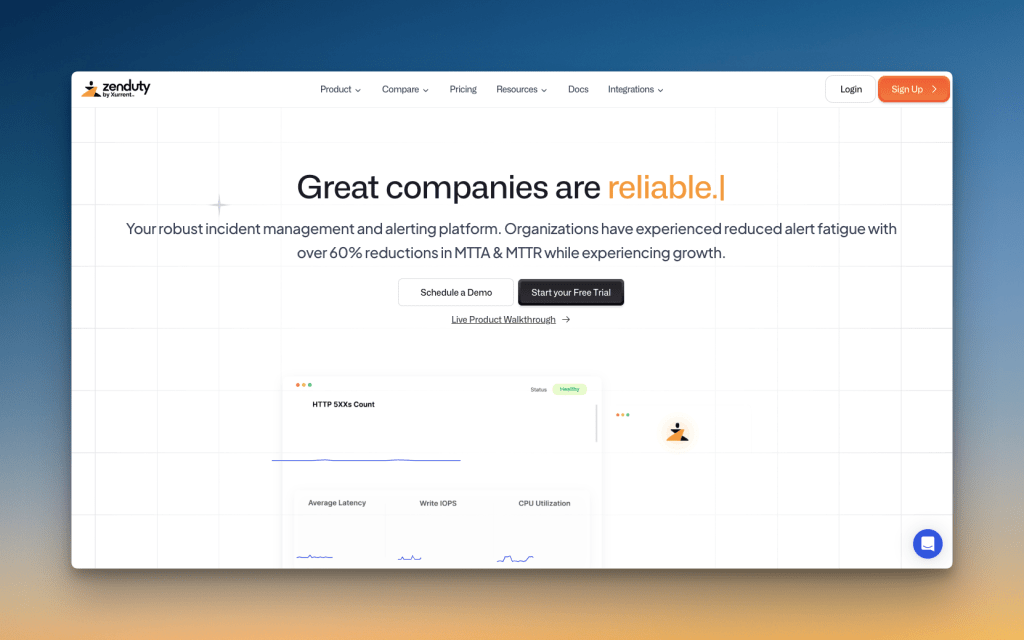
Zenduty is an incident management platform with advanced alerting capabilities designed to reduce alert noise and improve response times. It was recently acquired by Xurrent and is being integrated into their IT service and operations management platform.
Standout Alerting Features of Zenduty
- Custom Alert Rules let you filter incoming alerts based on their content, so you can automatically suppress low-priority notifications.
- Global Alert Routing allows you to use a single webhook URL to direct alerts from different monitoring tools to the right teams, simplifying your alert pipeline.
- Zen AI (Zenduty’s AI) summarizes incident details from alert data, giving responders quick context without needing to dig through logs
- With the Xurrent acquisition, Zenduty’s alerting now connects directly into a larger ITSM framework, allowing alerts to trigger and inform broader IT operations workflows.
Price: $16/user/month
Best for
Small to mid-sized teams who need intelligent alert filtering and noise reduction, especially those planning to integrate with broader ITSM workflows as they scale.
7. xMatters

xMatters, now part of Everbridge, is an enterprise-grade service reliability platform. It provides automated alerting and on-call management designed for large organizations.
Standout Alerting Features of xMatters
- Its visual workflow builder lets you automate alerting sequences. You can trigger scripts, open tickets, and update stakeholders automatically based on the alert type.
- The platform filters redundant signals from your monitoring tools, grouping related issues to send a single, intelligent alert instead of a flood of notifications.
- You can target alerts based on skills, location, or language—not just on-call schedules. This makes sure the right expert gets the page the first time.
- It connects deeply with enterprise systems like ServiceNow and BMC, allowing you to build alerting workflows that span across your entire IT operations stack.
Price: $39/user/month
Best for
Large enterprises that need to automate complex alerting workflows across different teams and tools.
8. Datadog OnCall
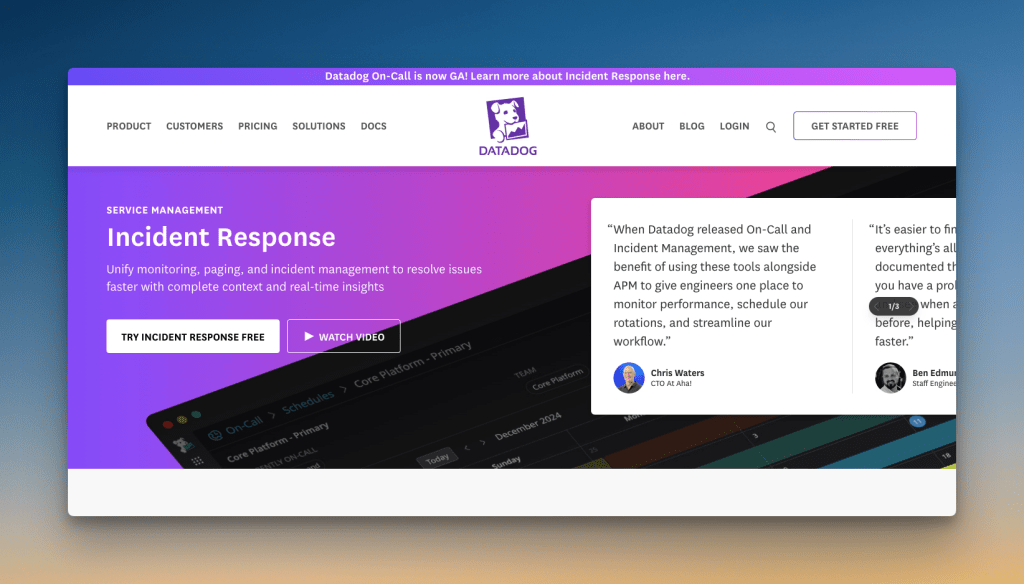
Datadog OnCall is an alerting and scheduling tool built directly into the Datadog observability platform. It brings monitoring and paging into a single, unified workflow.
Standout Alerting Features of Datadog On-Call
- Alerts come enriched with metrics, logs, and traces from Datadog, giving responders full context without switching tools.
- Its AI teammate, Bits AI, can investigate alerts, analyze telemetry, and suggest root causes, saving your team critical time.
- Its Topological Correlation groups alerts from dependent services into a single case, which helps you see the full scope of an issue without alert storms.
- You can route alerts to the right team based on tags from your Datadog monitors, which automates getting the right expert on the problem.
Price: $36/user/month
Best for
Teams already invested in the Datadog ecosystem who want to consolidate their monitoring and alerting into a single platform.
9. AlertOps
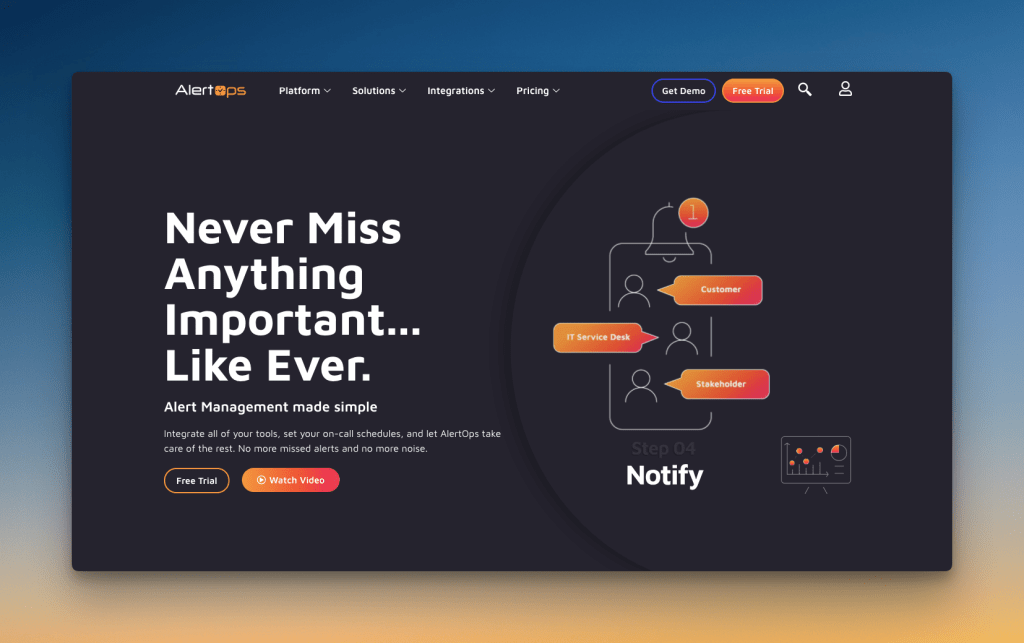
AlertOps is an incident management platform built on Microsoft Azure. It offers customizable workflows for routing alerts and managing on-call schedules.
Standout Alerting Features of AlertOps
- Its Heartbeat Monitoring feature alerts you if a monitoring system stops sending signals, so you know immediately if a key tool goes silent.
- You can set up workflows to automatically open or close tickets in your ITSM tools based on the alert status from your monitoring system.
- AlertOps offers deep control over message content, allowing you to customize notifications for different teams or alert types with detailed, relevant context.
- Its escalation policies can be tied to your SLAs. The system can automatically escalate an alert before you breach a service-level agreement.
Price: $22/user/month
Best for
Mid-sized IT and support teams who need SLA-based alerting and flexible alert customization.
Then…What About OpsGenie?
OpsGenie has been a popular alerting tool that many teams have relied on for years. We even praised its features in our Ode to OpsGenie post. But I didn’t include it on this list.
The reason is simple: OpsGenie is shutting down. Atlassian stopped new sales for OpsGenie on June 4, 2025, and a complete shutdown is scheduled for April 5, 2027. This means if you’re looking for new alerting software, you can’t choose OpsGenie anymore.
I’ve covered the OpsGenie shutdown in detail in these blog posts:
- OpsGenie Shutdown: What You Need to Know and Your Next Steps
- OpsGenie Alternatives: Your 12-Point Evaluation Checklist
- 6 Better OpsGenie Alternatives You Can Switch To
With OpsGenie shutting down, many businesses are making the switch to Spike with 50% off. Learn more →
Open-Source Alerting Software
Open-source alerting tools are free to use and give you complete control over your setup. This makes them attractive for teams with tight budgets or very specific alerting requirements.
Here are some popular open-source alerting software:
- GoAlert: A self-hosted alerting tool with a simple interface, GoAlert focuses on reliable notifications through SMS, voice, and push notifications without extra frills.
- Grafana OnCall: Part of the Grafana ecosystem, this tool is ideal for teams already using Grafana for monitoring. It brings alerting and on-call scheduling directly into your existing dashboards.
- Keep: An open-source alerting platform that lets you consolidate, group, and route alerts from different monitoring sources with a simple, declarative YAML setup.
While “free” sounds appealing, remember that open-source alerting software requires your team’s time for setup, maintenance, and troubleshooting. You’ll need someone who can configure servers, handle updates, and fix issues when they arise.
Paid alerting tools often cost less overall when you factor in these engineer hours. Plus, you get dedicated support.
Final Thoughts
Any alerting tool can send an alert, but the best ones do more. Every tool I mentioned here brings something special to the table.
Some tools use AI to cut alert noise, like PagerDuty and Squadcast. Others, like Datadog On-Call or Splunk OnCall, deliver alerts packed with logs and metrics.
Then, there’s Spike that focuses on faster, clearer alerting with features like automatic title remapping, time-based escalations, and flexible alert modes.
My advice is to try a few options. Look for the standout features that solve your biggest alerting problems—whether it’s alert noise, routing complexity, or lack of context.
If Spike sounds like a good fit, you can try it free for 14 days and see how its features work for your team.
FAQs
What is the difference between alerting and monitoring?
Monitoring collects and tracks data about your systems to see how they perform. Alerting sends notifications when that data shows something needs your attention. For example, Datadog monitors your CPU usage continuously, but Spike alerts you via phone call when CPU hits 90%.
What is the difference between an alert and a notification?
An alert is a specific type of notification that requires immediate action. A notification is any message sent to inform you about system events. For example, “Database server is down” is an alert, and “Backup completed successfully” is a notification.
What is the difference between an alert and an incident?
An alert is a notification about a potential problem. An incident is the actual problem or outage that may result from one or more alerts. For example, if your API response time spikes, Prometheus sends an alert. If users can’t log in because of this spike, that becomes an incident requiring investigation and resolution.
What are the 4 types of alerts?
- Critical Alerts: These signal severe outages that need immediate action. For example, a “Payment processing down” alert sent via phone call.
- Warning Alerts: These point to problems that need attention soon to prevent them from becoming critical. For example, a “Disk space at 85%” alert sent via email.
- Informational Alerts: These are status updates that don’t require urgent action. For example, a “Deployment completed” notification sent to Slack.
- Recovery Alerts: These confirm that a problem has been resolved and services are back to normal. For example, a “Database connection restored” message in a team channel.